
The Ultimate AI Assistant, Powered by the World's Best Models
Chat with GPT-4o, Claude, Gemini, and DeepSeek — all in one place. Upload files, analyze images, browse the web, and export your chats instantly.
No credit card required




Everything You Need in One Chat
From file analysis to voice input to real-time web search — our chat goes far beyond a simple AI chatbot.
Custom Personas
Choose the "All-in-one Owly" assistant or specialized personas like AI Specialist, Doctor, Lawyer, Marketing Expert — each fine-tuned for the task at hand.
Multi-Model Support
Access the world's best AI models from OpenAI, Anthropic, Google, and DeepSeek. Switch between models mid-conversation for the best results.
File Uploads & Analysis
Upload PDFs, documents, spreadsheets, and code files. The AI reads, summarizes, and answers questions about your content instantly.
Voice Chat
Speak naturally with your AI assistant using built-in voice input. Perfect for hands-free brainstorming, dictation, and quick queries.
Real-Time Web Data
Toggle live web search to ground your AI responses in real-time information. Get up-to-date answers for news, research, and market data.
Share & Export
Share any chat via a public link, or export your entire conversation to PDF, CSV, or plain text for documentation and collaboration.
Custom System Instructions
Build your own custom chat assistant by providing specific rules, tone preferences, and domain knowledge. Your AI, your way.
Conversation Library
Every chat is automatically saved to your personal library. Search, revisit, and organize your AI conversations across all modules.
Ask Owly Anything
From code reviews to creative writing to data analysis — Owly handles it all.
Three Specialized Chat Modes
Go beyond text-only chat. Upload files, analyze images, and browse the web — all from within one unified AI assistant.
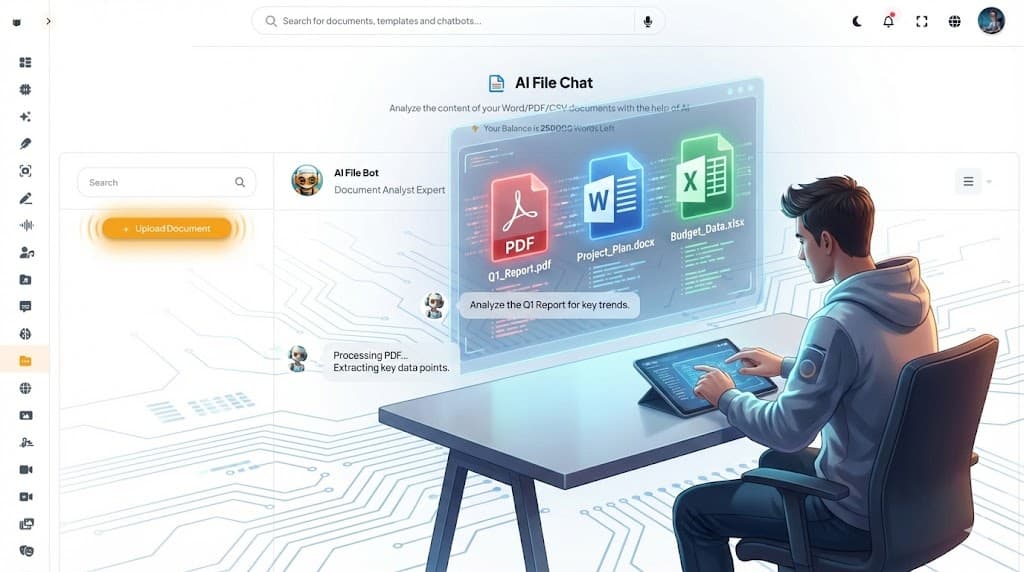
AI File Chat
Chat with Massive Documents
Upload entire PDFs, research papers, contracts, and code repositories. Ask questions, request summaries, or extract data — the AI processes documents of any length and delivers instant, accurate insights.
- Supports PDF, DOCX, TXT, CSV, and code files
- Handles 100,000+ word documents
- Extract tables, data points, and key passages
- Multi-document cross-referencing
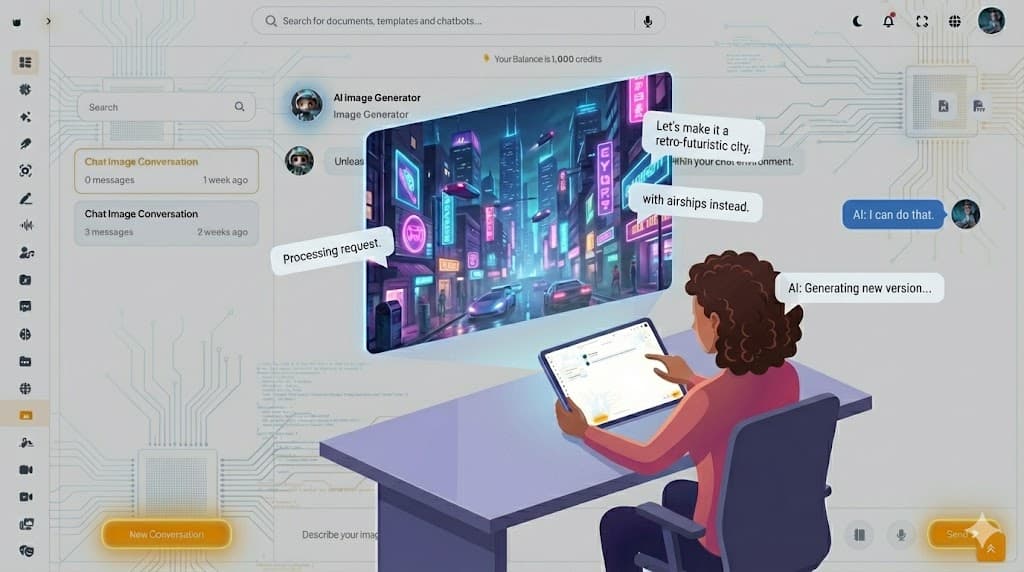
AI Image Chat
Vision Models for Visual Analysis
Upload any photo, screenshot, chart, or diagram and have a conversation about it. Powered by GPT-4o Vision and Gemini Pro Vision for world-class image understanding.
- Analyze photos, charts, and diagrams
- Read text from images (OCR)
- Describe scenes and identify objects
- Compare before-and-after images
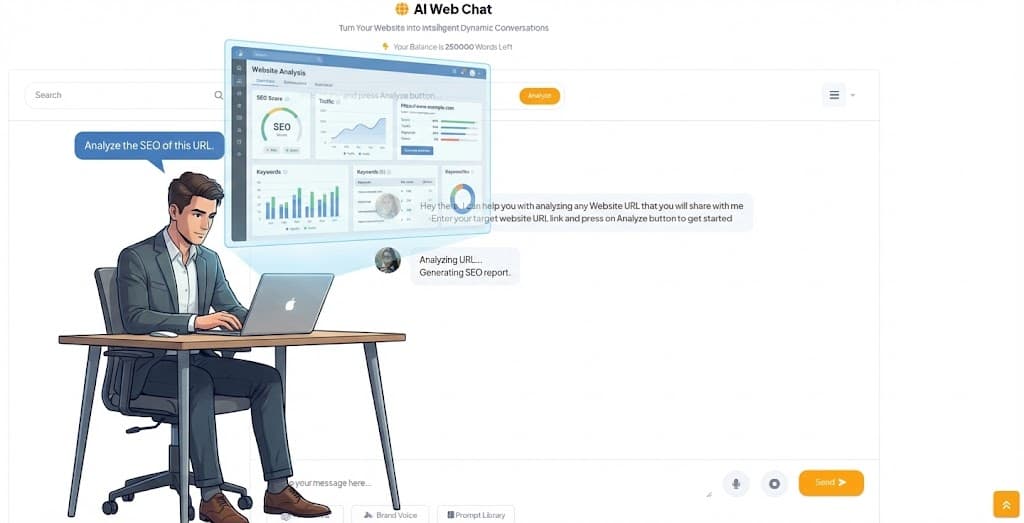
AI Web Chat
Chat Directly with Live Web Pages
Paste any URL and chat with the content of that page in real-time. Perfect for analyzing articles, documentation, competitor pages, or any online resource without leaving HootGPT.
- Paste a URL, ask anything about the page
- Summarize articles and blog posts instantly
- Extract data from documentation sites
- Monitor and compare competitor content
Frequently Asked Questions
Everything you need to know about our powerful AI Chat capabilities.
Ready to Chat with the Future?
Join thousands of creators, developers, and professionals who use HootGPT as their daily AI companion.
Start Chatting for Free